Documentation Index
Fetch the complete documentation index at: https://mintlify-mintlify-9362fec4.mintlify.app/llms.txt
Use this file to discover all available pages before exploring further.
Disable a workflow
- Go to the Workflows page in your dashboard.
- Click the toggle beside a workflow to disable it.
Delete a custom workflow
Deleting a workflow is permanent and removes its configuration and run history.- Go to the Workflows page in your dashboard.
- Click the settings button beside a workflow.
- Click Delete.
Retry a failed run
If a workflow run fails, you can retrigger it from the dashboard without waiting for the next scheduled run or push event. Retriggering reruns the workflow with the same trigger context as the original run, so the agent receives the same repository, branch, and pull request information. You can retry runs from scheduled (cron), manual, and merge triggers. You cannot retry successful runs or runs from disabled or deleted workflows.- Go to the Workflows page in your dashboard.
- Click a workflow to open its run history.
- Find a run with a Failed status and click Retry.
View run history
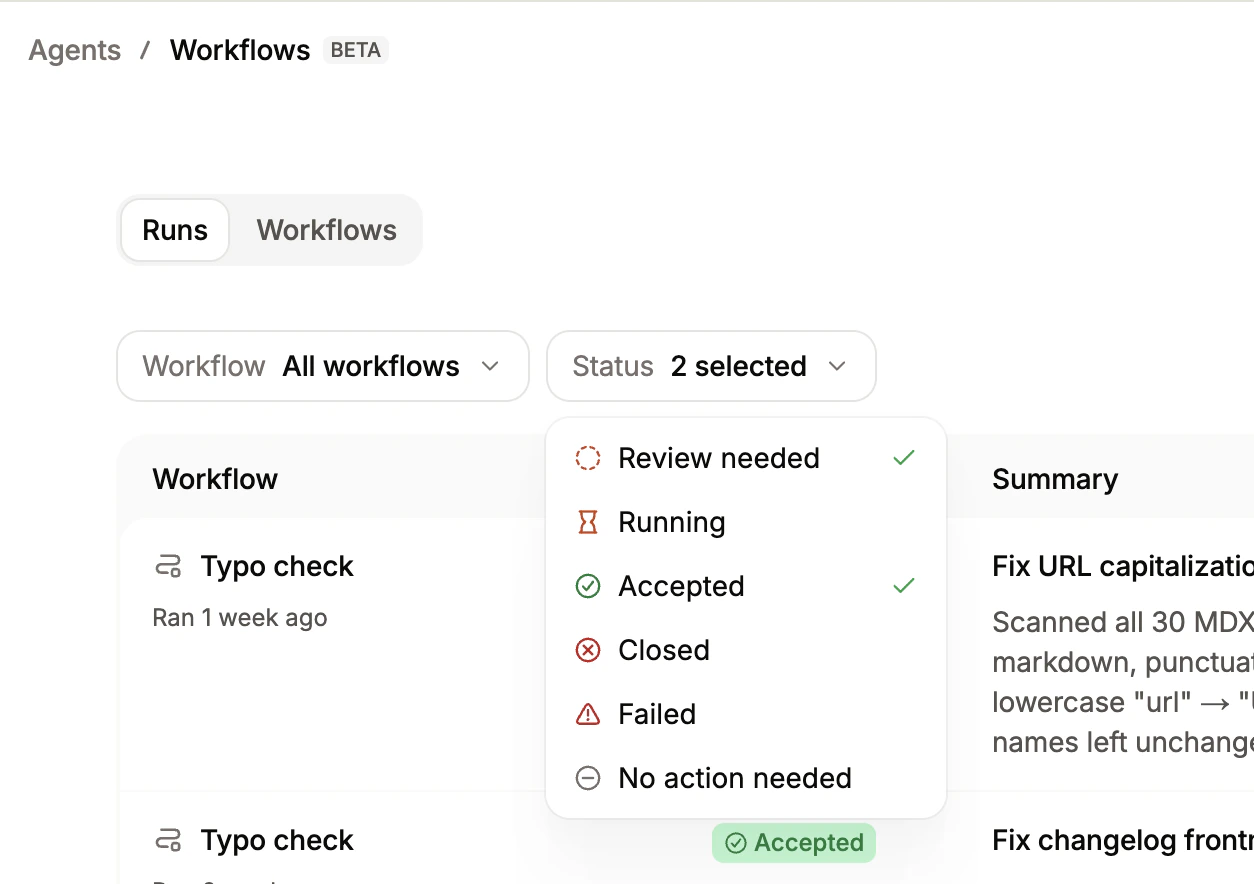
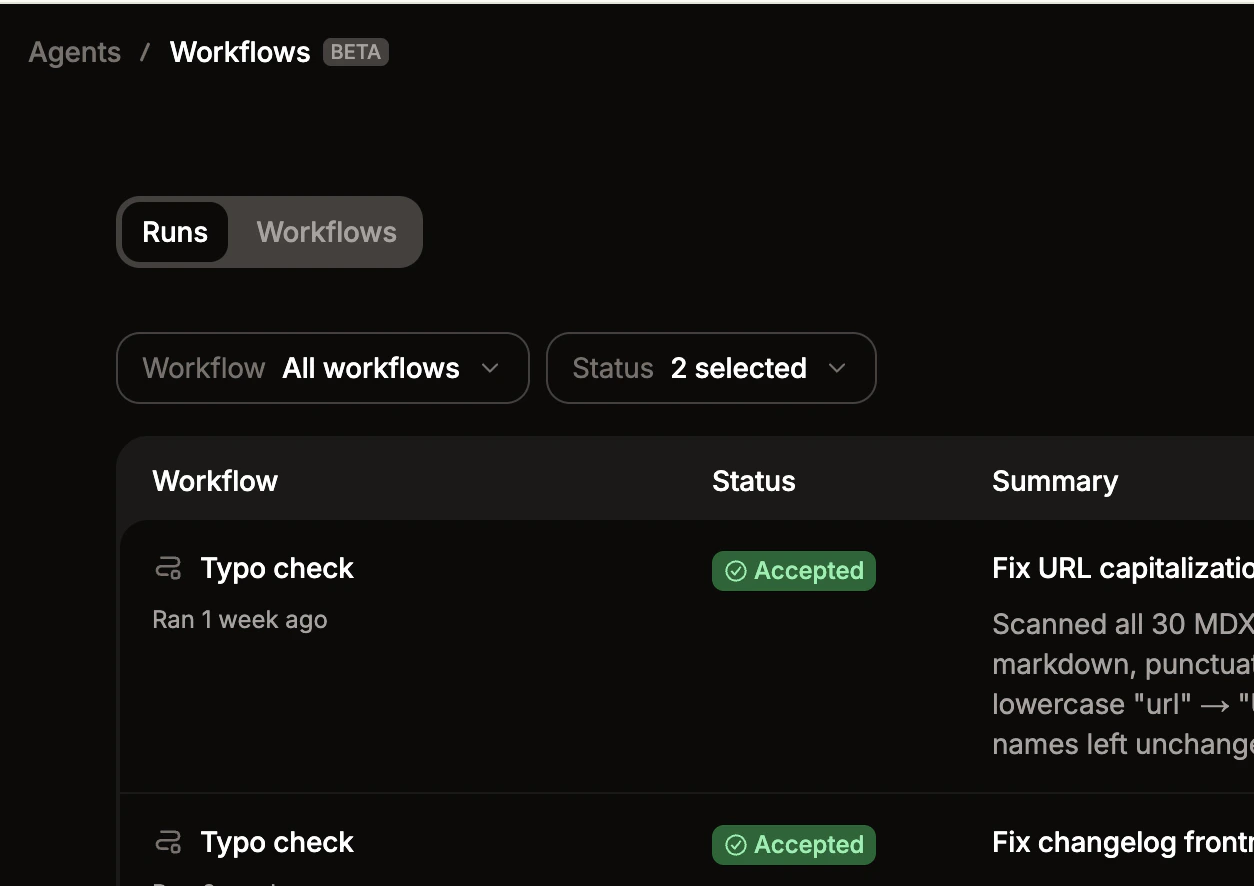
Each workflow keeps a log of past runs, including the status and a summary of changes made.- Go to the Workflows page in your dashboard.
- Click a workflow.
-
Use the dropdown menus to filter by specific workflows or status.